Participating pharmacies
Browse the pharmacies available for your delivery location.

Explore the products published by participating pharmacies in your area.
Services, features and availability depend on your location, provider and app version. This website explains the experience; it does not place orders or bookings.
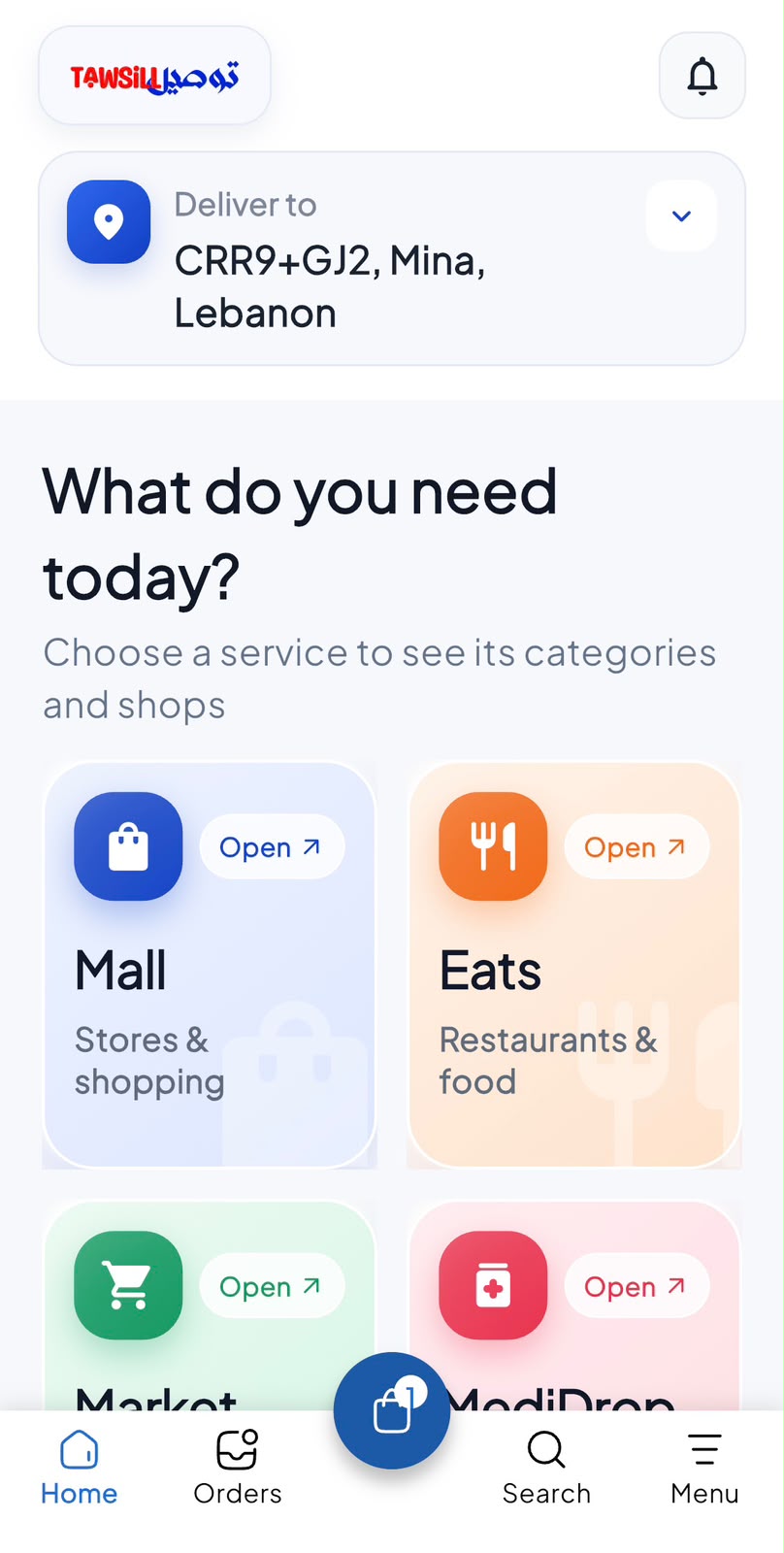
Browse the pharmacies available for your delivery location.
Read the published product name, description and pack details.
Follow the pharmacy?s prescription and verification instructions where applicable.
Open the customer app and follow the options available for your account. Button names may vary by app version.
Set your delivery address before browsing.
Choose a participating pharmacy and browse its catalog.
Check the exact product and follow any requirements shown by the pharmacy.
Confirm only after reviewing availability, charges and pharmacy instructions.
Availability and prescription requirements vary. The pharmacy must confirm what it can supply. This guide does not provide medical advice.
Only offers and benefits shown as eligible in your account apply. Check the current price, terms and any review-point rules before confirming. Opening this guide does not activate a benefit.
This website currently provides module guides and previews. Use the supported flow in your customer app for live services. Availability must be confirmed in the app.
Already have the customer app? Open Pharmacy from the available services. New to Tawsill? Create your account online to get started.
Create my account