Travel choices
Explore the flight, stay or transport categories currently available.

Explore travel and stay options offered by the providers available in your app.
Services, features and availability depend on your location, provider and app version. This website explains the experience; it does not place orders or bookings.
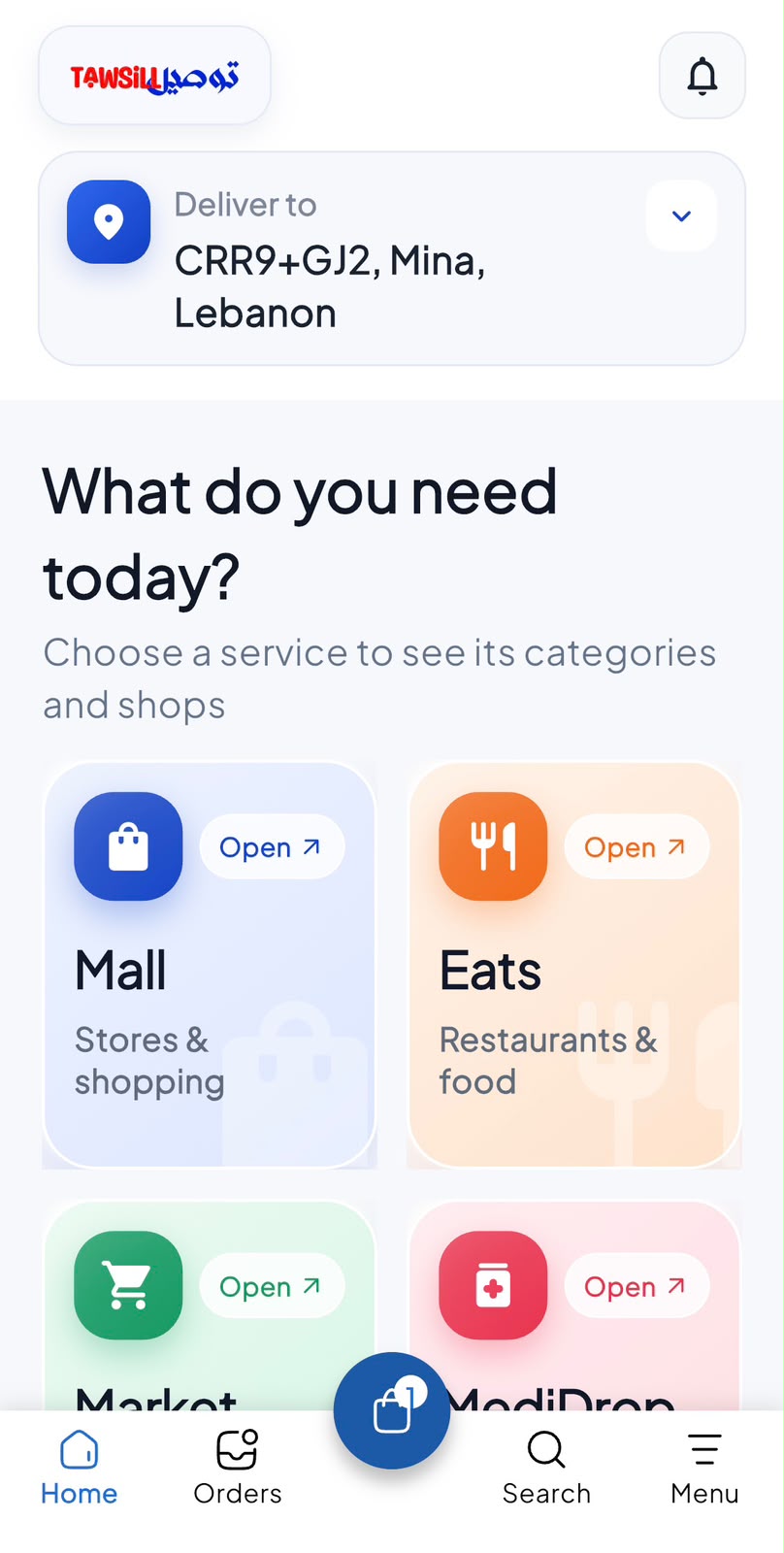
Explore the flight, stay or transport categories currently available.
Review dates, traveler details and the inclusions of each option.
Check cancellation, baggage or stay conditions relevant to your selection.
Open the customer app and follow the options available for your account. Button names may vary by app version.
Select the available travel category you need.
Provide destination, dates and traveler information as requested.
Compare the displayed details, total price and provider conditions.
Complete the supported booking flow and check for a confirmed booking reference.
No. Availability and pricing can change until the provider confirms the booking. Keep the confirmation issued after completion.
Only offers and benefits shown as eligible in your account apply. Check the current price, terms and any review-point rules before confirming. Opening this guide does not activate a benefit.
This website currently provides module guides and previews. Use the supported flow in your customer app for live services. Availability must be confirmed in the app.
Already have the customer app? Open Travel & Stays from the available services. New to Tawsill? Create your account online to get started.
Create my account