Find the right service
Browse service categories and provider descriptions.

Explore available cleaning, maintenance and repair services for everyday tasks.
Services, features and availability depend on your location, provider and app version. This website explains the experience; it does not place orders or bookings.
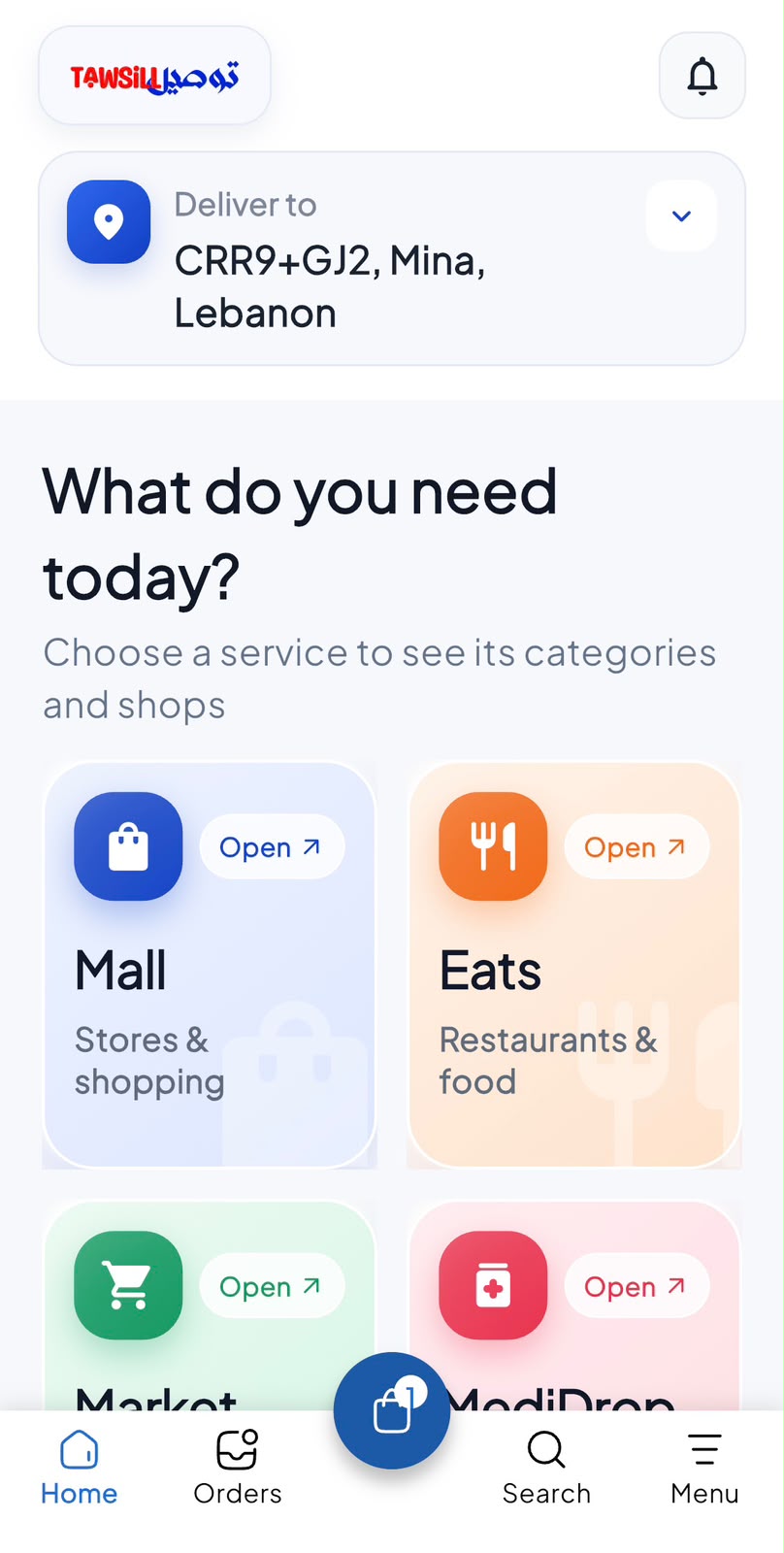
Browse service categories and provider descriptions.
Give the provider the task and location details requested.
Check what is included, the quoted price and any appointment information.
Open the customer app and follow the options available for your account. Button names may vary by app version.
Choose the type of help you need.
Read the available service description and coverage details.
Provide your address and the task information requested in the app.
Review the scope, timing and price before submitting your booking request.
Follow the booking status shown in the app. A request may require provider confirmation before an appointment is secured.
Only offers and benefits shown as eligible in your account apply. Check the current price, terms and any review-point rules before confirming. Opening this guide does not activate a benefit.
This website currently provides module guides and previews. Use the supported flow in your customer app for live services. Availability must be confirmed in the app.
Already have the customer app? Open Home Services from the available services. New to Tawsill? Create your account online to get started.
Create my account